Actualmente me encuentro usando Debian Wheezy (rama testing/pruebas) y este es mi actual sources.list
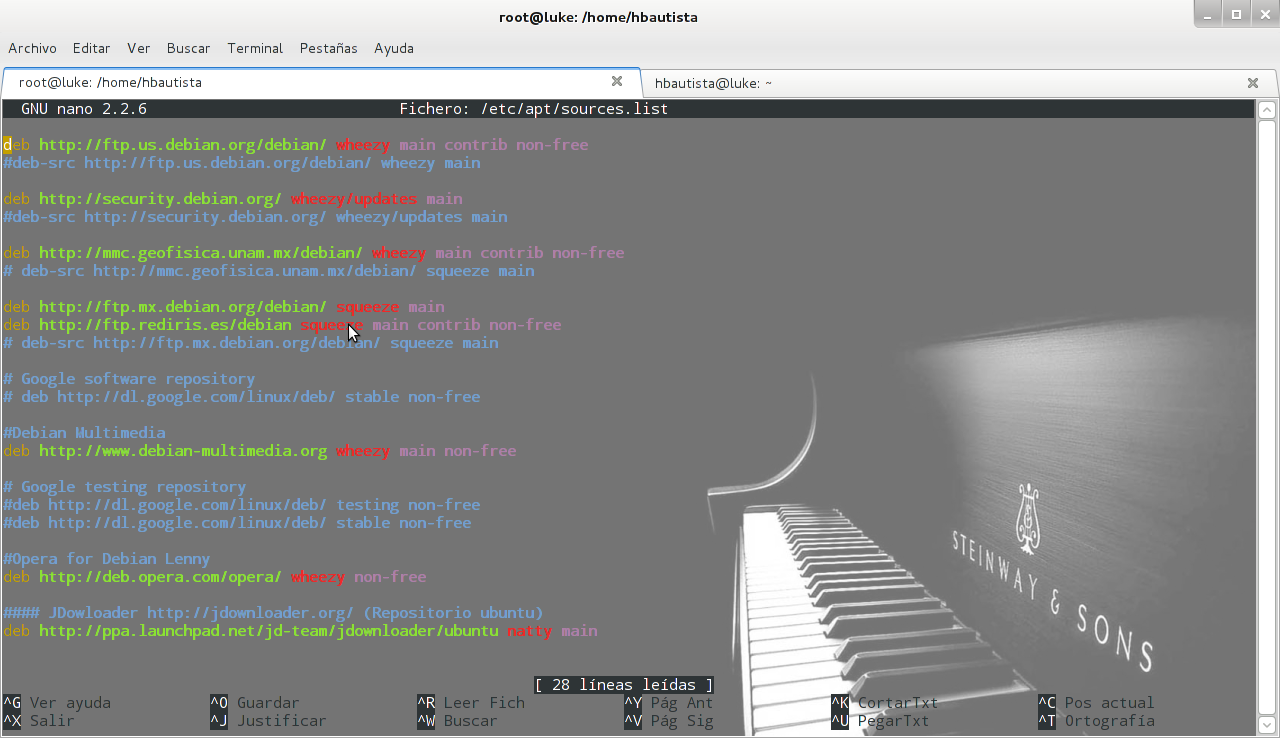
Ahora bien, vamos a editar nuestro sources.list
root@luke:/home/hbautista# nano /etc/apt/sources.list
Y escribimos el siguiente contenido:
deb http://ftp.us.debian.org/debian/ wheezy main contrib non-free
#deb-src http://ftp.us.debian.org/debian/ wheezy main

deb http://security.debian.org/ wheezy/updates main
#deb-src http://security.debian.org/ wheezy/updates main

deb http://mmc.geofisica.unam.mx/debian/ wheezy main contrib non-free
# deb-src http://mmc.geofisica.unam.mx/debian/ squeeze main

deb http://ftp.mx.debian.org/debian/ squeeze main
deb http://ftp.rediris.es/debian squeeze main contrib non-free
# deb-src http://ftp.mx.debian.org/debian/ squeeze main

# Google software repository
# deb http://dl.google.com/linux/deb/ stable non-free

#Debian Multimedia
deb http://www.debian-multimedia.org wheezy main non-free

# Google testing repository
#deb http://dl.google.com/linux/deb/ testing non-free
#deb http://dl.google.com/linux/deb/ stable non-free

#Opera for Debian Lenny
deb http://deb.opera.com/opera/ wheezy non-free

#### JDowloader http://jdownloader.org/ (Repositorio ubuntu)
deb http://ppa.launchpad.net/jd-team/jdownloader/ubuntu natty main
Antes de actualizar debemos realizar lo siguiente para obtener las firmas del repositorio de Opera:
root@luke:/home/hbautista# wget -O - http://deb.opera.com/archive.key | apt-key add -
Y también esto para la firma de Google Testing Repository:
root@luke:/home/hbautista# wget -q -O - https://dl-ssl.google.com/linux/linux_signing_key.pub | apt-key add -
Y bueno, queda instalar Debian Multimedia Keyring
root@luke:/home/hbautista# aptitude install debian-multimedia-keyring
Y también la llave de Launchpad para el JDownloader:
root@luke:/home/hbautista# apt-key adv --keyserver keyserver.ubuntu.com --recv-keys 6A68F637
Ahora si, actualizamos nuestro sources.list
root@luke:/home/hbautista# aptitude update
Y ya estaremos en posibilidades de tener los paquetes actualizados y poder instalar algunos que no se encuentran en Debian.